Replace your default new tab page with a sleek, private dashboard loaded with custom category boards, quick links, task lists, and a Pomodoro timer.
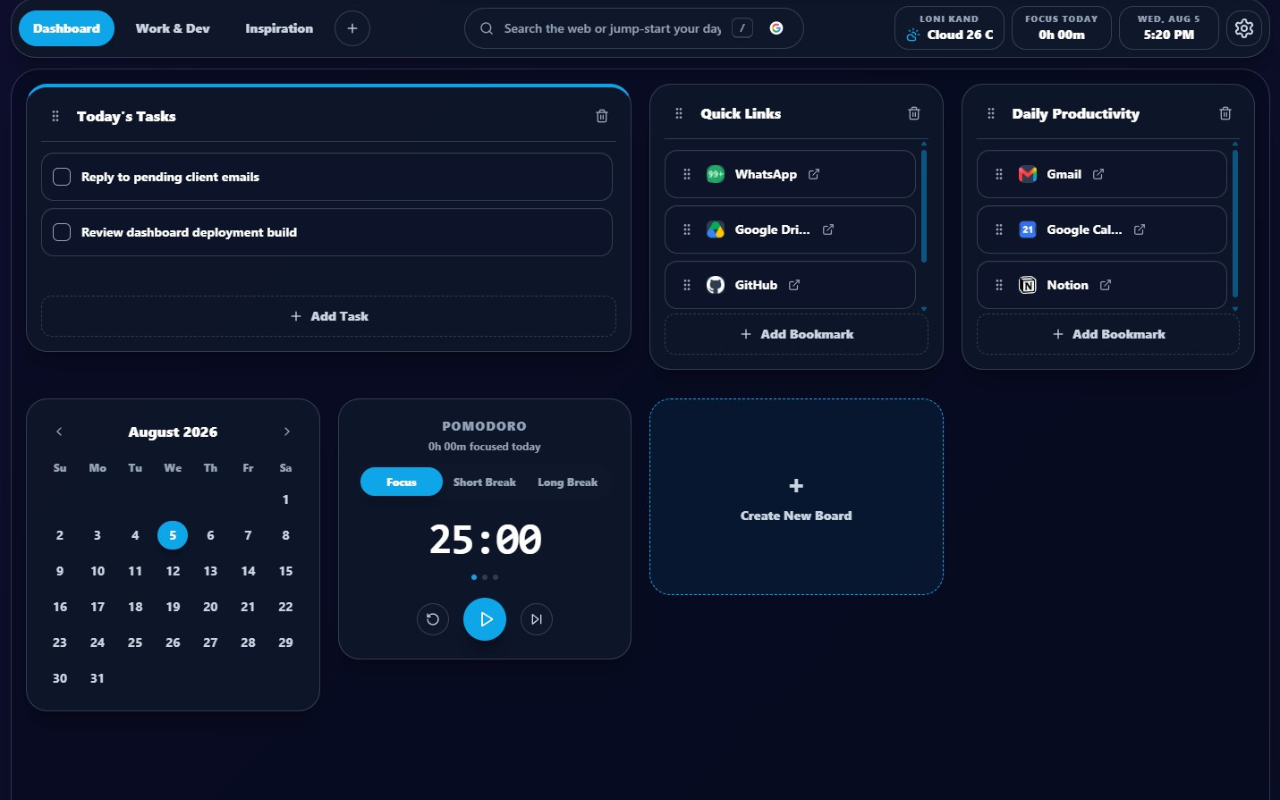
Everything you need for clean, structured daily organization in one place.
Organize your tasks, links, and boards into dedicated context spaces like Work, Personal, or Study. Switch between them instantly.
Block out distractions with an integrated Pomodoro timer. Start deep work sessions directly from your dashboard with clean alerts.
Keep your most-visited tools and daily resources neatly grouped. Favicons are automatically retrieved to display site identity cleanly.
Real-time weather reports and temperatures generated relative to your current city. Dynamic geocoding happens entirely on your demand.
Yes, LociSpace is completely free to install, use, and modify. The source code is open-source and hosted on GitHub.
All data is saved locally on your device inside Google Chrome's local storage database. Nothing is transmitted to external servers.
Yes! Under the Quick Links or Custom Boards, you can quickly import your browser's bookmark folders to visually organize them.